From draft to e-invoice.
Pick a customer, add line items, issue the invoice. ivly validates the e-invoice automatically beforehand.
Overview
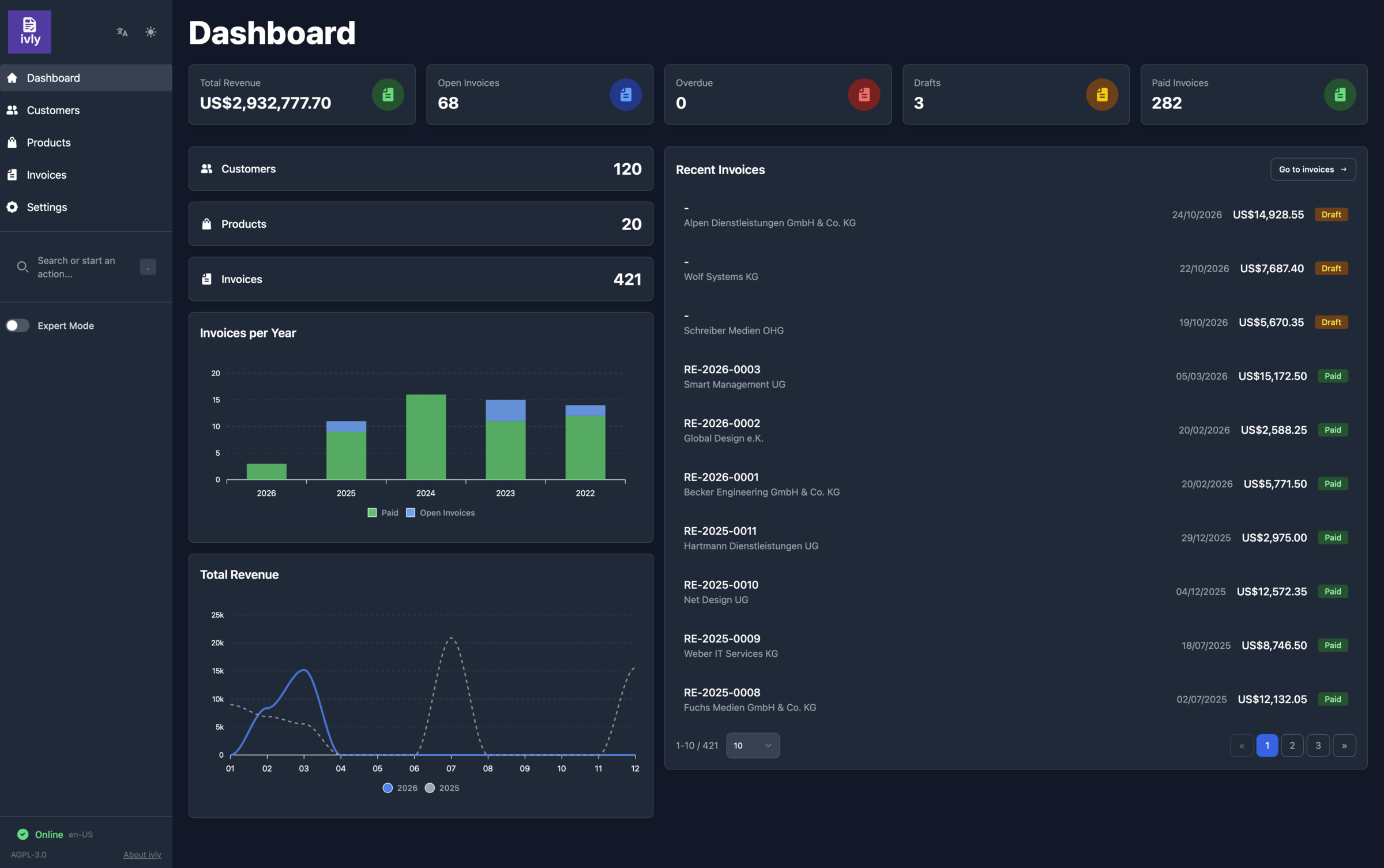
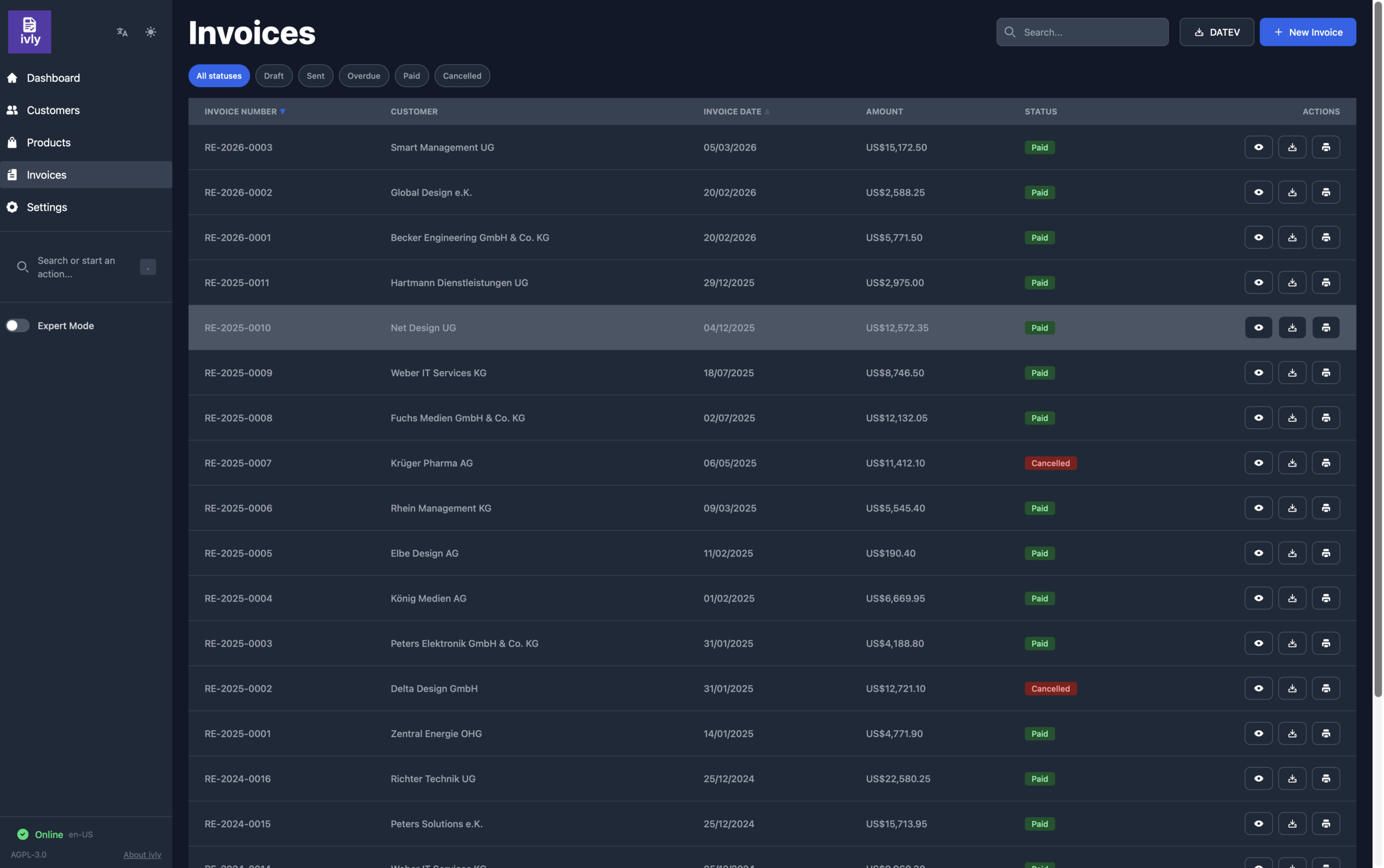
The dashboard shows revenue, open and overdue invoices, drafts and the latest invoices. Customers, products and invoices each have their own list.
Write the invoice
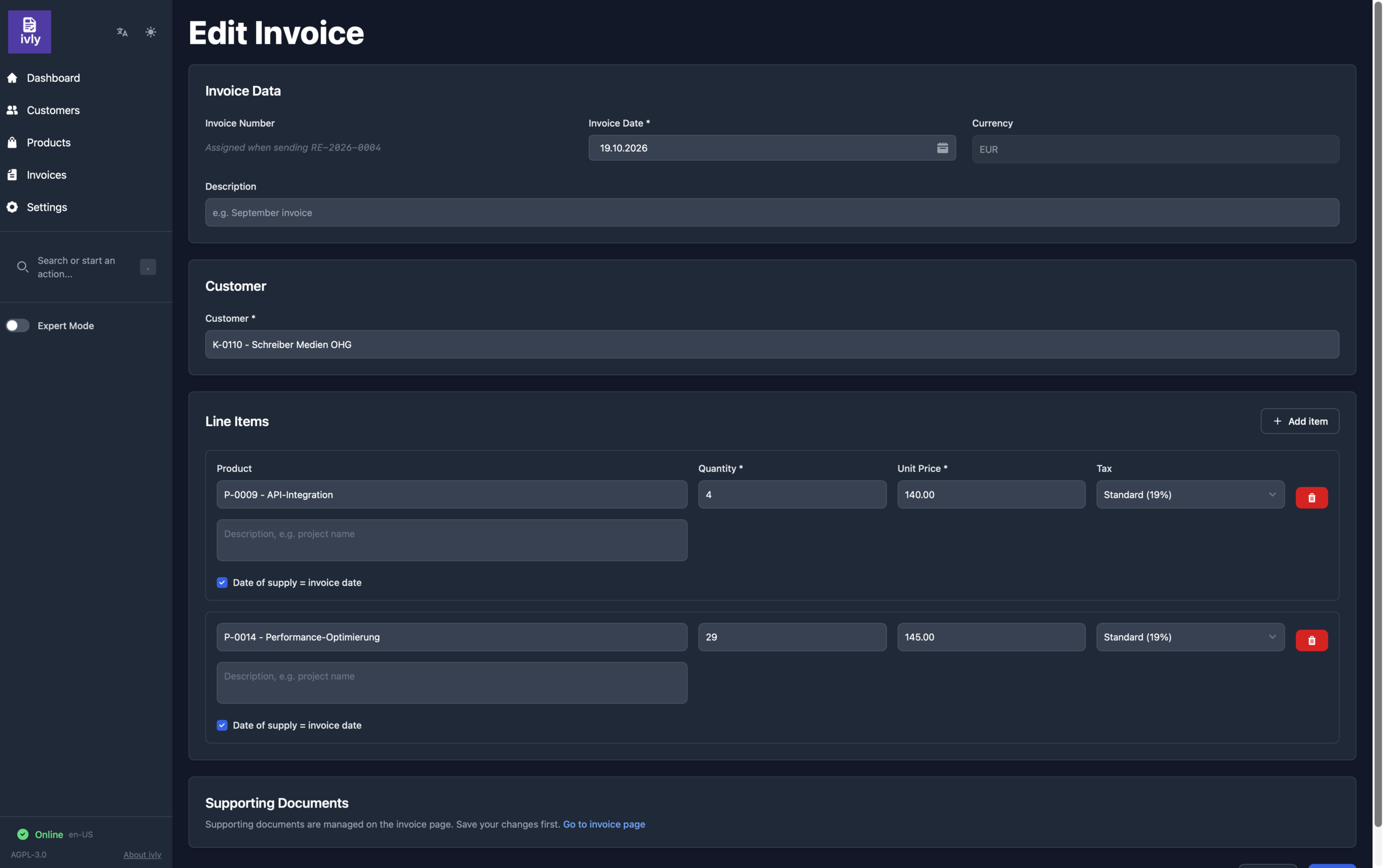
Pick a customer, add lines from your products or as free text, set the date of supply per line. Time sheets or delivery notes go along as supporting documents.
Validate and issue
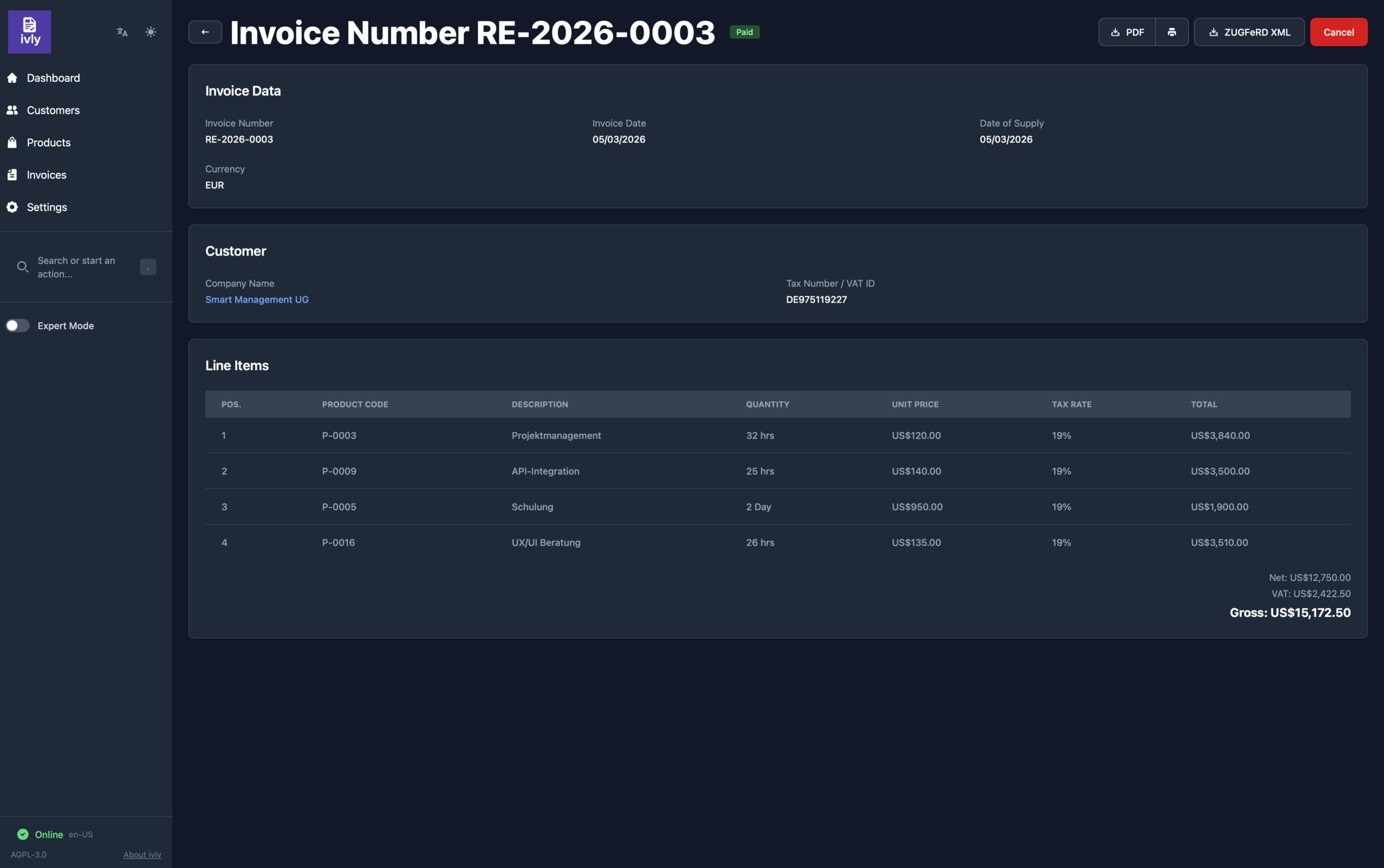
On issuing, ivly validates the invoice and its XML against EN 16931. Only then is the invoice number drawn, and the XML and PDF are frozen. You send the files yourself, e.g. by email.
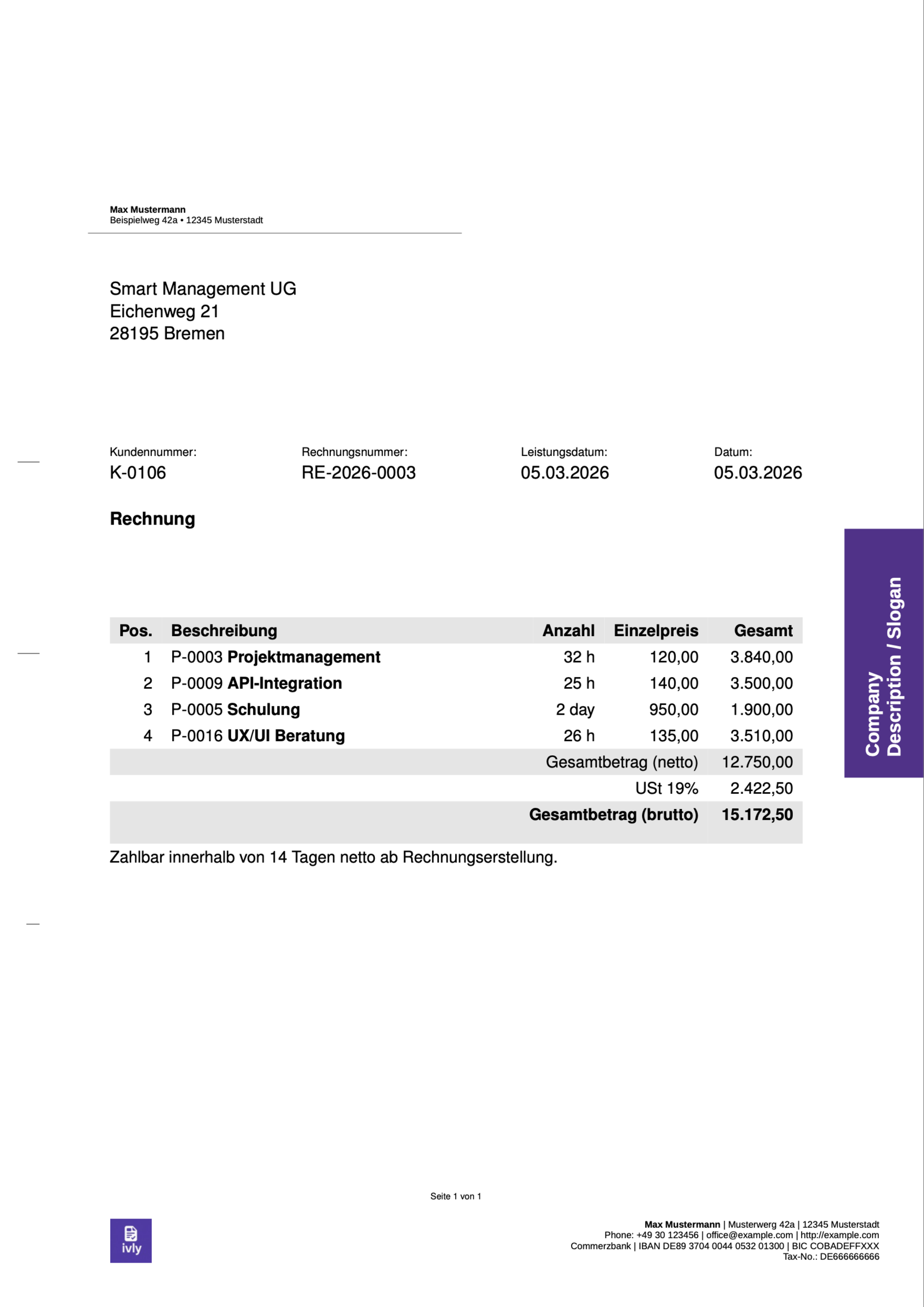
Your letterhead
The PDF is typeset with LaTeX on your own letterhead. As ZUGFeRD it carries the e-invoice XML, so the recipient gets one file for people and machines.
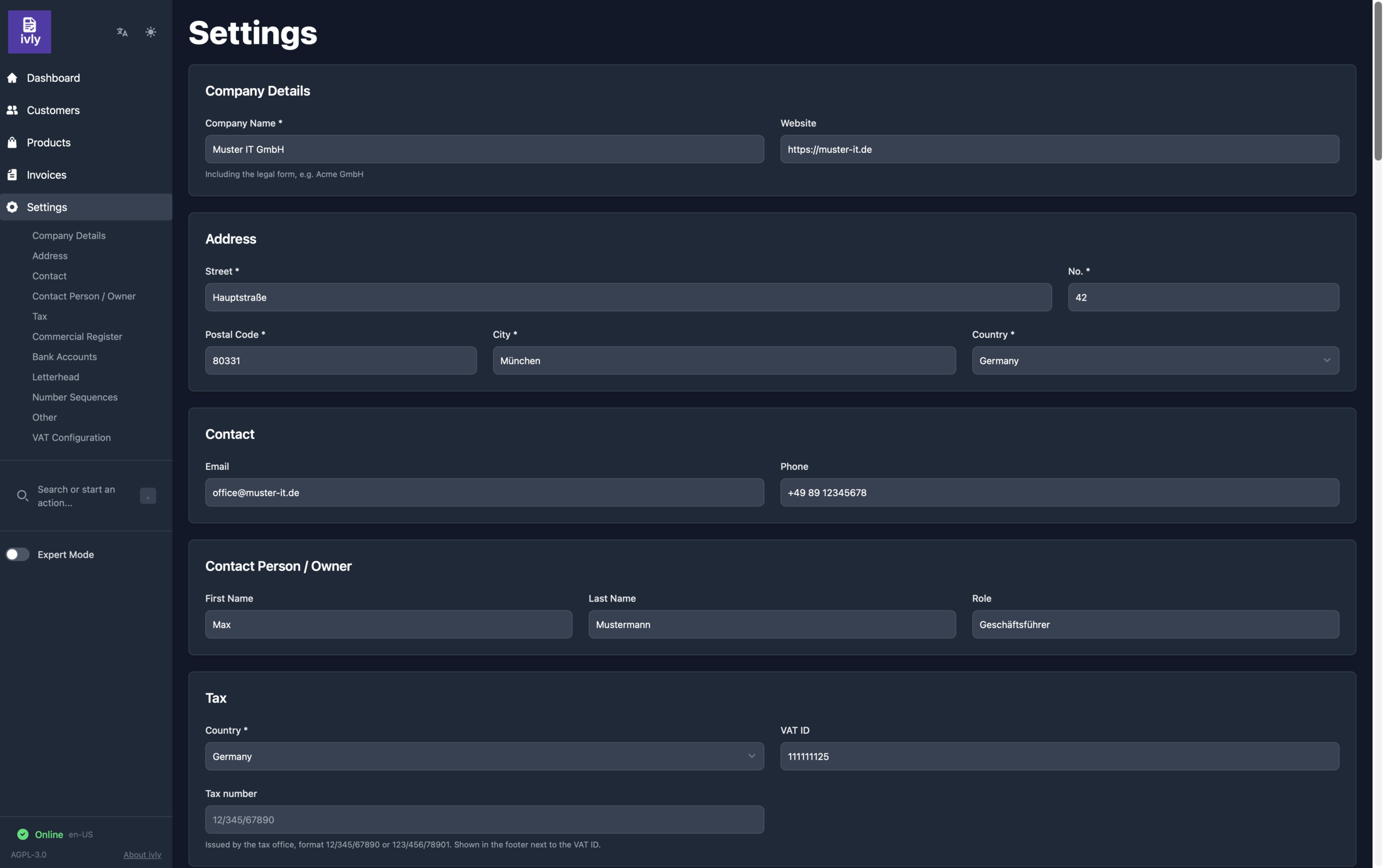
Set up once
Company details, bank accounts, number sequences and VAT rates are configured once in the settings.
Under the hood
ivly runs as a small container stack. All business data is stored as GOBL documents, an open format for business documents.
| Component | Role |
|---|---|
| Backoffice | Web interface (SvelteKit) |
| API | Business logic and e-invoice generation (Go) |
| Printer | PDF typesetting with LaTeX |
| Validation | XRechnung and ZUGFeRD validation |
| CouchDB | Document store |
| Caddy | Reverse proxy, optional HTTPS |
All features in detail: Features.